01
Its own computer
Each agent gets isolated sandboxes for its browser, its shell and its CLI. Nothing runs on your Mac or phone.
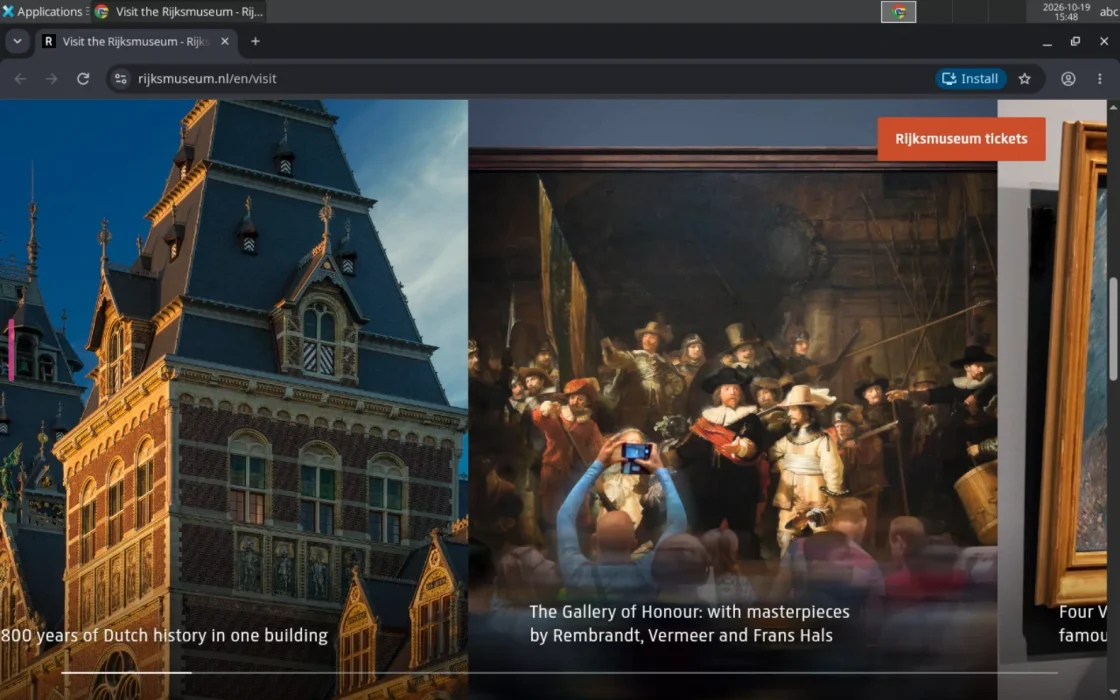
Give it a task in a chat. It opens its own browser, signs in with logins you saved and gets it done. It asks you only for new sites, money and things only you can do.
Open source (MIT) · Runs on your own Claude plan
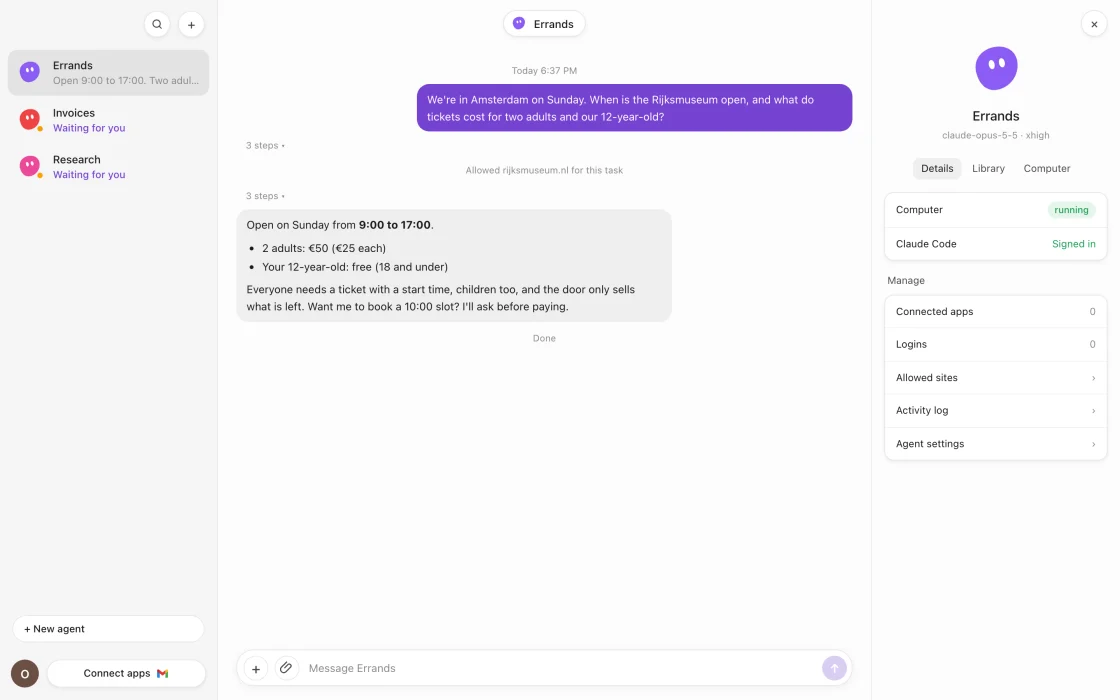
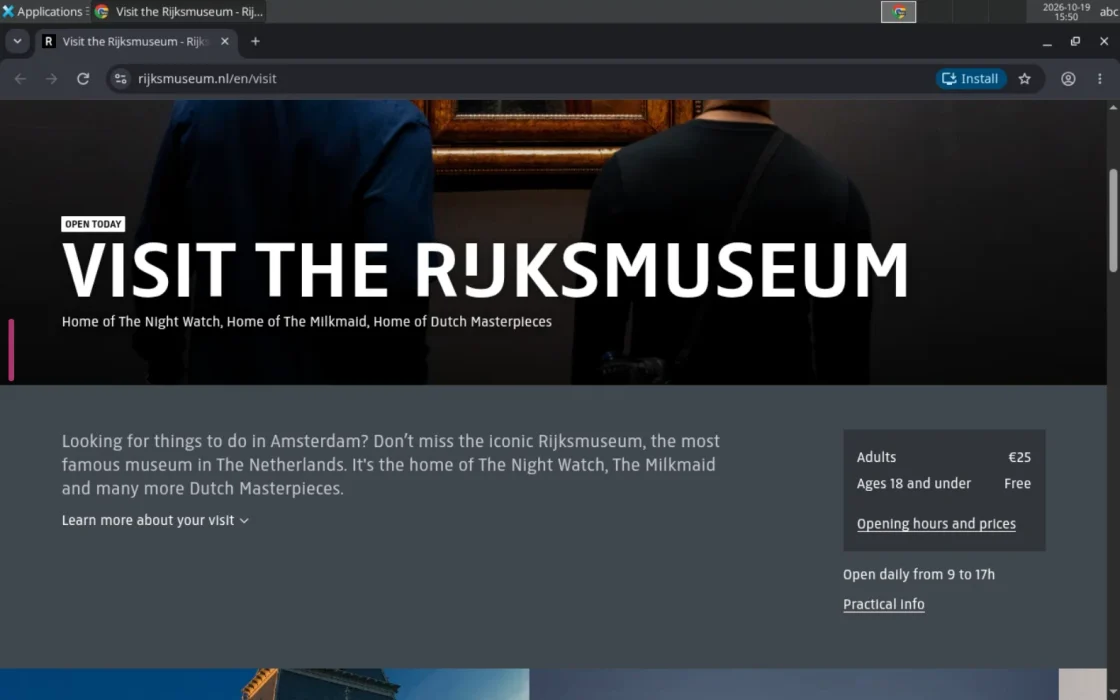
Write the task like a message: check a museum's opening hours, download last month's invoice, compare three reviews.
Chrome, a workspace and Claude Code run in sandboxes on your server. Watch it live from the app.
A new site, a missing login or a payment shows up as a card in the chat. Answer with one tap, or type a message to skip it.
The agent reads untrusted pages and holds your logins, so nothing depends on the model behaving.
01
Each agent gets isolated sandboxes for its browser, its shell and its CLI. Nothing runs on your Mac or phone.
02
All traffic goes through a proxy that blocks everything by default. The agent asks before it reaches a new site; you allow it for one task or for good.
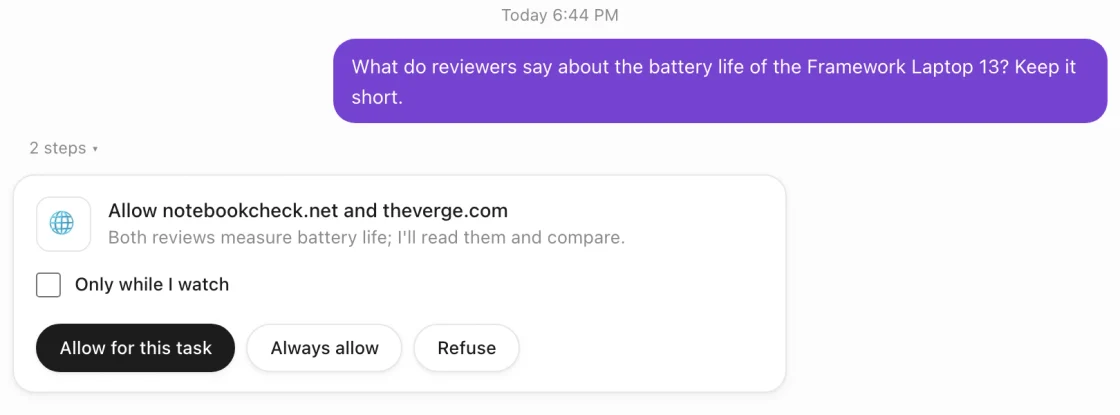
03
Passwords and 2FA secrets are encrypted on your server. Quokka Bot types them into the page; the model never sees them.
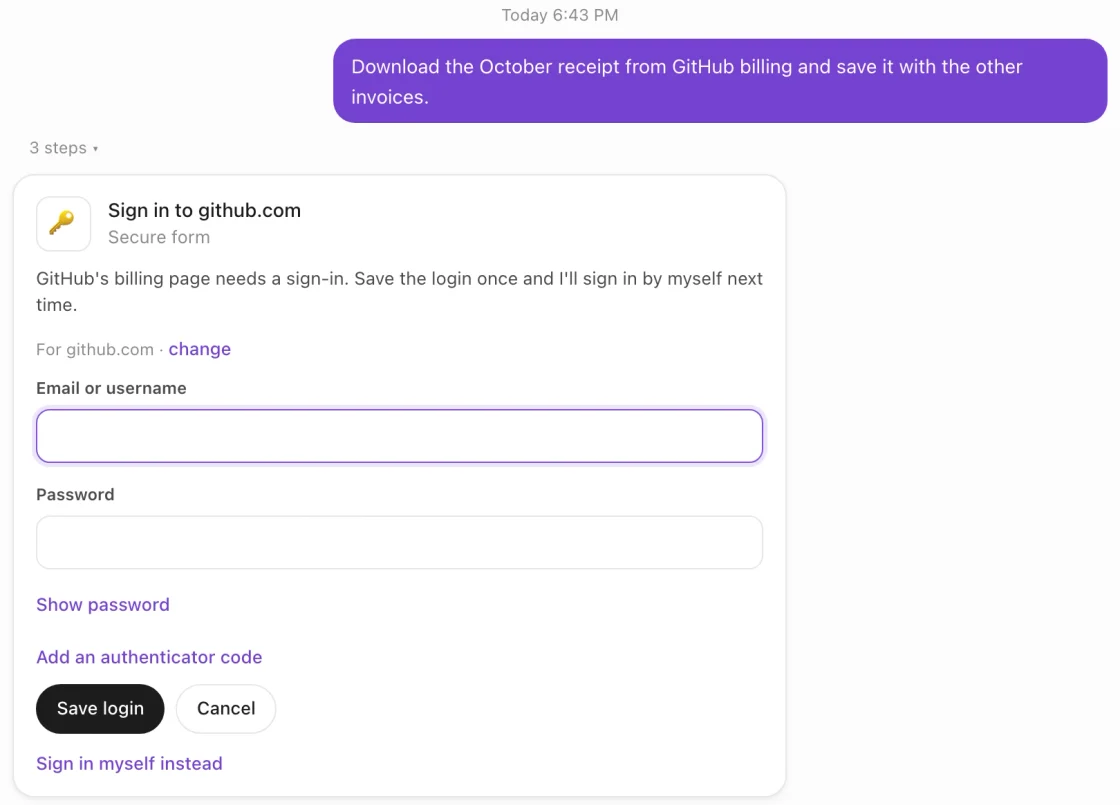
04
For a captcha, a text-message code or a card payment, take over the browser from the app, then hand it back.
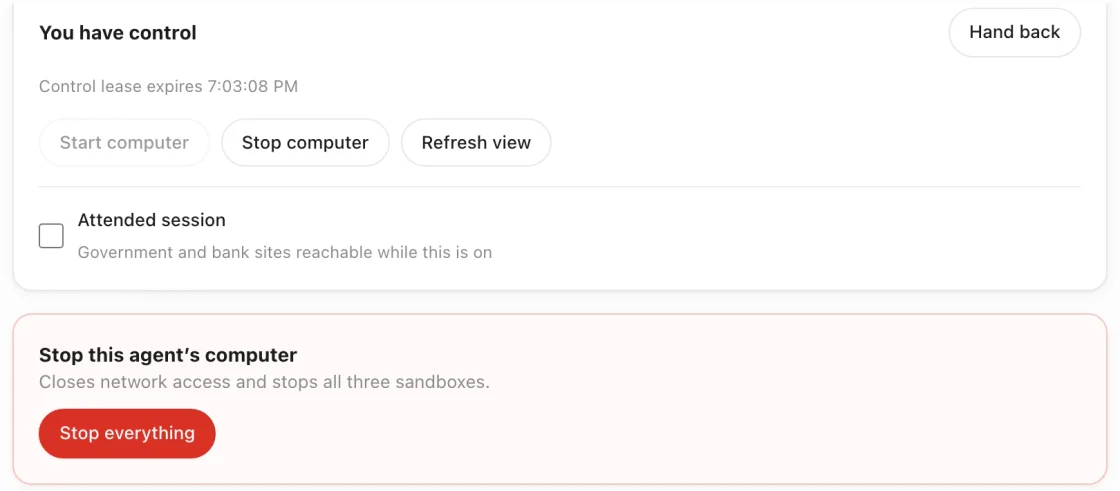
05
Every action goes into a hash-chained log you can verify. One button stops the computer and cuts its network.
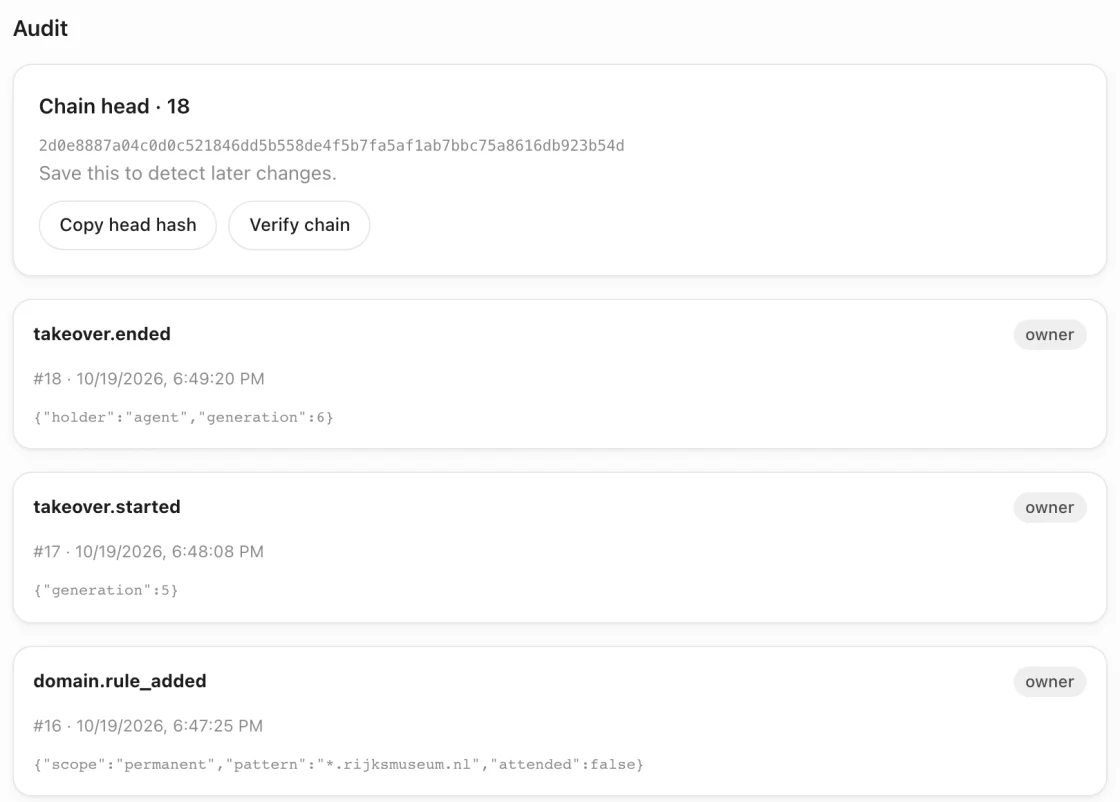
One Linux server runs everything: the app, the database, the proxy and every agent's computer. A server with 4 vCPU and 8 GB of RAM runs four agents. Tasks, files and logins are stored on that server.
Bring your own Claude plan. Each agent runs the official Claude Code CLI, signed in with your account.
git clone https://github.com/quokka-bot/quokkabot.git /opt/quokkabot/srcexport QUOKKABOT_DOMAIN=bot.example.comexport QUOKKABOT_VIEW_DOMAIN=view.bot.example.com/opt/quokkabot/src/deploy/install.sh --setup-volume /dev/sdbSigned and notarized, for Apple silicon. Version 0.2.0.
Download for MacAnswer cards and take over from your phone.
The same app at your server's address, in any browser.
Read the code, report bugs and suggest ideas on GitHub.